Stream YouTube Live
24/7 Without Cloud Servers
Broadcast pre-recorded video playlists continuously to YouTube Live with hardware acceleration. Zero cloud hosting bills. Zero storage uploads. 100% private local execution.
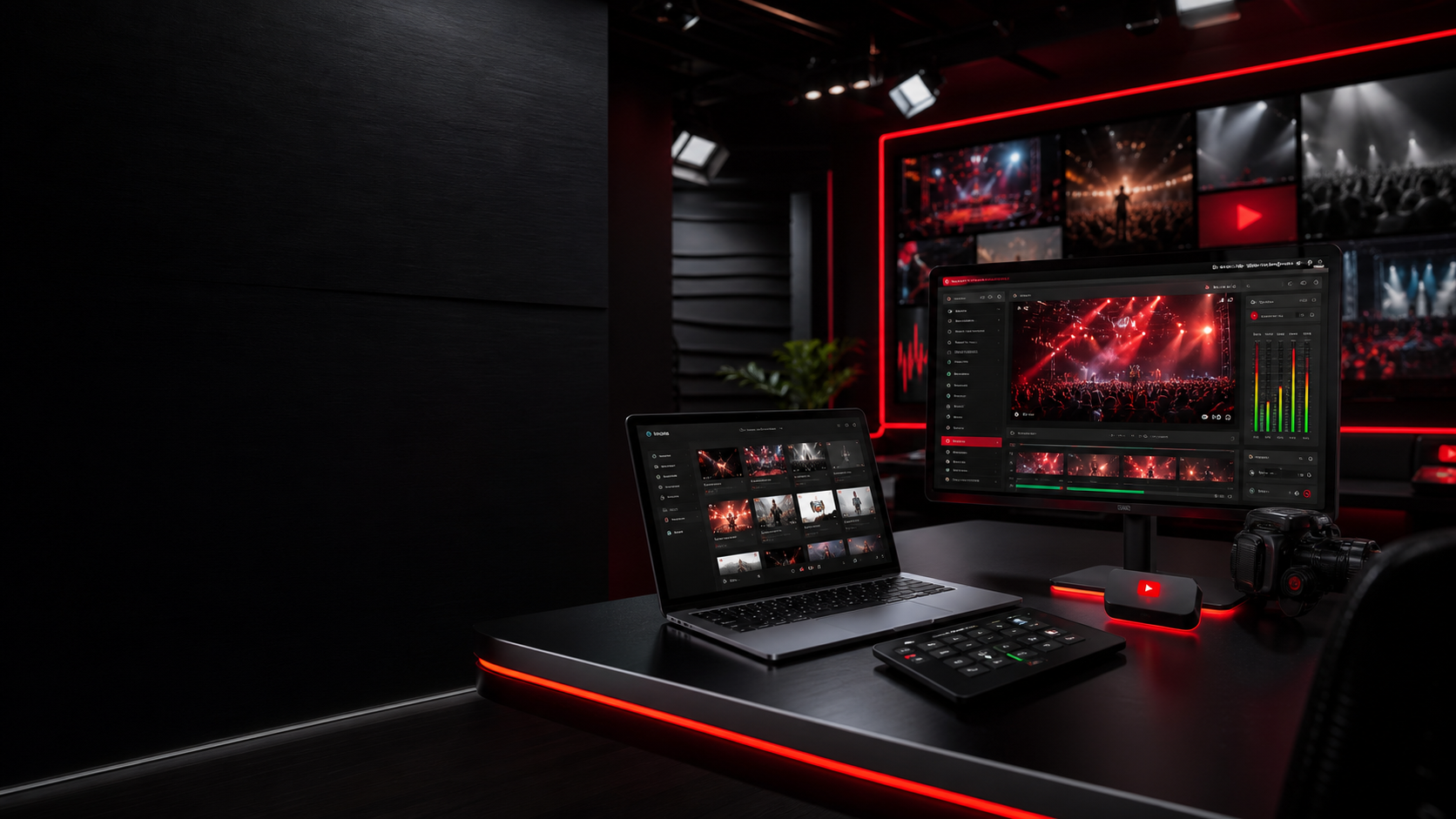
Streaming Setup & Telemetry Dashboard
Configure your local playlist queue, securely attach your YouTube stream key, and supervise real-time FFmpeg logs and hardware telemetry.
Zero cloud video upload • Stream key stays in local RAM • Direct FFmpeg NVENC acceleration
Initialize Live Streaming Studio
Click here to load the real-time configuration studio, local media picker, resolution selector, and hardware monitors.
START OPERATOR CONSOLESupercharged for 24/7 Creator Excellence
Everything you need to automate continuous live streams, safeguard your stream keys, and broadcast 4K UHD video on auto-pilot.
Infinite Keyframe-Synchronized Looping
Seamlessly loops your video playlist forever using native -stream_loop -1. Auto-corrects PTS/DTS timestamps so YouTube Live never freezes or disconnects.
Air-Gapped Privacy Shield
Your YouTube stream key and video files remain inside your local machine. Zero database leaks, zero tracking telemetry.
Multi-Container Transcoder
Accepts MP4, MKV, MOV, and WEBM video formats with zero pre-conversion required.
Landscape 16:9 & Shorts 9:16
Switch seamlessly between standard widescreen 1080p/4K and vertical 1080x1920 YouTube Shorts live loops.
Direct YouTube RTMP Ingest
Connects directly to rtmp://a.rtmp.youtube.com/live2 with zero intermediate proxies.
How 24/7 Zero-Cloud Streaming Operates
2. FFmpeg Hardware Transcoder — Deep Diagnostic
NVENC / QuickSync / AMF
Intelligent GPU & Hardware Auto-Detection
Dedicated silicon NVENC core encodes 1080p60 & 4K with virtually zero CPU overhead. Ideal for multi-day 24/7 continuous broadcast loops.
Calculate Your 100% Free Local Savings
Compare Pinku's Lab against expensive cloud servers & subscription live streaming platforms.
Estimated savings compared to paying for cloud GPU instances & monthly streaming subscriptions.
Powering 24/7 Channels Globally
From lofi chillout stations to 24/7 vertical YouTube Shorts broadcasts, creators trust Pinku's Lab for reliable uninterrupted loops.
Lofi Beats 24/7 Radio
Music & Chill Radio
Retro Arcade & Synthwave
Gaming & Soundtrack
Deep Code & Pomodoro
Developer Focus
Real-time Upload Speed & Bitrate Meter
Benchmark your live connection upload bandwidth to prevent frame drops, packet starvation, and YouTube stream buffering.
3 Steps to 24/7 Live Streaming
Launch Desktop Helper
Download and start the lightweight Windows helper. It manages local FFmpeg execution in the background.
Choose Media & Key
Pick your local MP4/MKV video playlist and paste your YouTube Live stream key into the secure operator form.
Broadcast & Loop 24/7
Hit Go Live. FFmpeg encodes and streams your video playlist in a continuous 24/7 loop with real telemetry.
Streaming Tutorials & Guides
How to Stream Pre-Recorded Videos 24/7 on YouTube Live
Learn the steps for broadcasting pre-recorded video playlists on YouTube Live using local software, FFmpeg, and secure ingest settings.
Best Upload Speed for YouTube Live Streaming
Determine the exact upload speed and network bandwidth targets required to broadcast stable 720p, 1080p, and 4K streams to YouTube Live.
How to Find YouTube Live Stream Key
Learn how to locate, copy, and secure your YouTube Live Stream Key in the YouTube Studio Creator Dashboard step by step.
Got Questions? We've Got Answers.
Can I stream pre-recorded video loops to YouTube Live 24/7?
Yes. Pinku's Lab is specifically architected to broadcast pre-recorded video playlists in a continuous 24/7 loop using local FFmpeg encoding.
Does this require uploading my video files to the cloud?
No. Your video files never leave your Windows PC. Pinku's Lab streams direct video binary packets straight to YouTube's RTMP ingest server.
What are the recommended upload bandwidth requirements?
For stable 1080p60 streaming, we recommend at least 8-10 Mbps of stable upload bandwidth. For 720p, 4-6 Mbps is sufficient.
Is Pinku's Lab completely free to use?
Yes! Pinku's Lab is 100% free and open-source. There are no subscriptions, server rental fees, or cloud storage costs.